Sticker Stacking
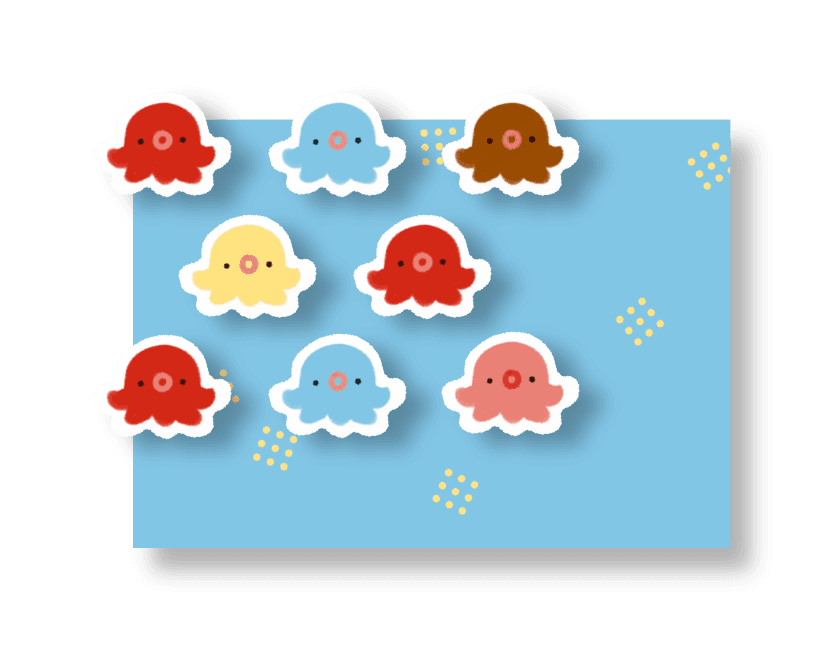
Fit more stickers on every sheet: exact quantities, a full sheet, or a balanced mix of your designs.

Upload your art and Octo will format your files for keychains, prints, and more in just a few clicks.
FREEfull previews on every tool, no cost to start.
Upload one design and Octo preps it for whatever you are making. You see the whole thing free, and only spend a token when you download.
Octosmith never runs AI on your artwork, and we never use it for AI generation or training. Every piece you upload is formatted by deterministic algorithms!
We don’t keep your files, either. Your art is processed on demand and returned to you, then deleted. We never store, share, or sell what you make. It comes in, it goes out, that’s it!
Previews are always free, and every tool has Octo’s sample art to try before you upload your own.
Sign up for a free account, upload your artwork, and pick a workflow: Prints, Keychains, the PDF Compiler, Sticker Stacking, or Sticker Sheets. Previews are always free, and when you are ready to download the finished file you use tokens from a pack or a plan. Tokens never expire, so you only pay for the exports you keep.
It depends on the workflow. Prints, Keychains, and the Sticker tools accept PNG and JPEG, and die-cut stickers need a transparent PNG. The PDF Compiler also accepts TIFF and single-page PDF. Upload at the highest resolution you have for the best results.
Yes. Every workflow includes a live canvas preview so you can see exactly how your file will look before exporting.
No. Buy a one-time pack whenever you need tokens, or save with a plan that adds tokens to your account every 6 months or every year. Either way, tokens never expire.
Yes. At any time you can cancel by going to the Billing page in your profile menu. There are no cancellation fees. The plan stops renewing at the end of the period you paid for, and every token you have stays in your account.
Yes. Pick the other plan on the pricing page. Your current plan ends that day, you keep its tokens, and the new plan starts right away.
It prepares your image for printing: crop and resize to your exact print size, add bleed, scale the DPI, convert to CMYK, and export a print-ready PDF or high-resolution image (PNG, JPEG, or TIFF).
It turns your art into a print-ready acrylic keychain file: it traces the cut shape (a custom shape from a transparent PNG, or a rectangle), adds your outline and hole, and builds the white, gloss, and cut layers. It can also auto-extend your artwork into a full bleed so color runs cleanly to the cut line, use separate back artwork, and export a layered PSD.
It combines several finished artworks into one print-ready PDF, repeating each piece on as many pages as you need, so you can hand your printer a single document and order copies of the whole thing.
It fits as many stickers as possible onto each sheet so you waste less paper and material. Set exact quantities per design, auto-fill a whole sheet, or build a balanced mix of your designs, then export a print-ready PDF or PNG sheets.
It builds peel-off, kiss-cut sticker sheets with a printed background. Upload your die-cut stickers as transparent PNGs and a background image, and it lays them out and exports a print-ready PDF with vector cut lines your printer can follow.
Independent artists and small shop owners who sell prints, keychains, stickers, and merch at conventions or online, and want print- and manufacturing-ready files without doing the technical prep by hand.
Uploads are processed and then deleted. We never retain your artwork for any purposes after your session ends.
No. Every file Octosmith produces is made by fixed, deterministic algorithms, not AI, and your uploads are never used to train, scrape, or feed any AI model, nor shared or sold. We do build the software itself with modern developer tools that include AI-assisted coding, but that only ever touches our own code, never your art. See the Our AI Promise page for full details.
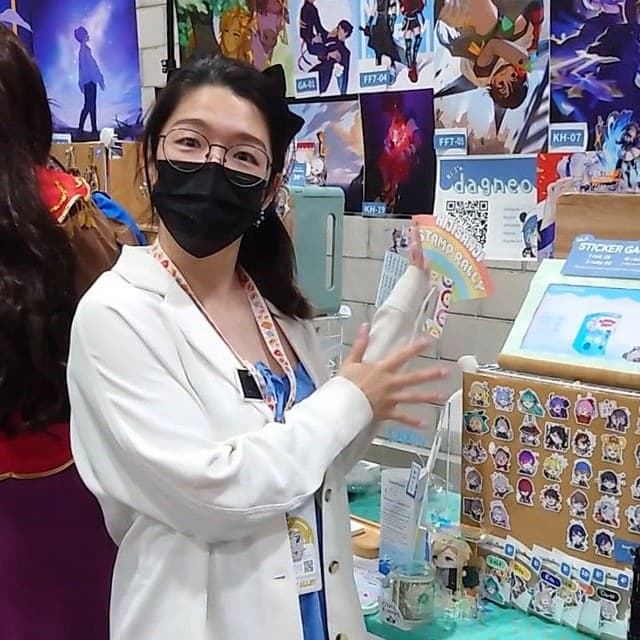
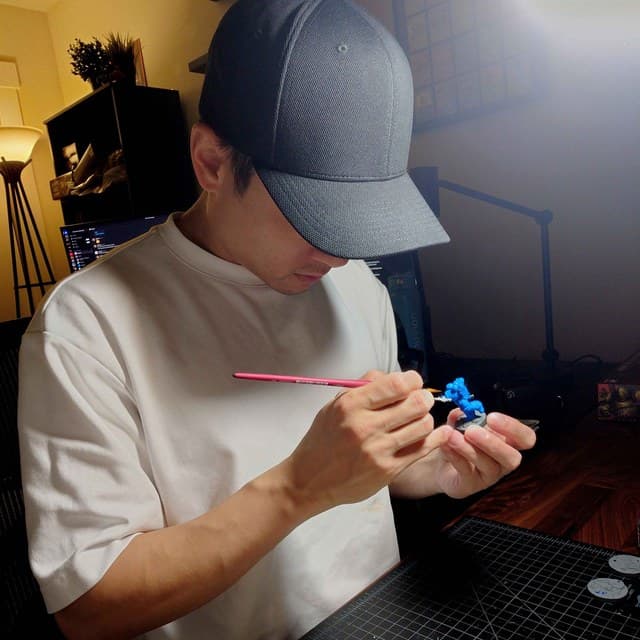
Artist dagneo and developer Ian started working on Octosmith in the summer of 2025, after dagneo complained one too many times about how long file formatting took and asked if there was a way to build a simple tool to help her save time...so she can get back to actually making art!
A look behind the scenes at Octo’s forge! Follow along on Instagram and X.